
Task Management App in Nigeria: Give Work, Get Proof, Then Check It
Olamide Ademola · · 7 min read
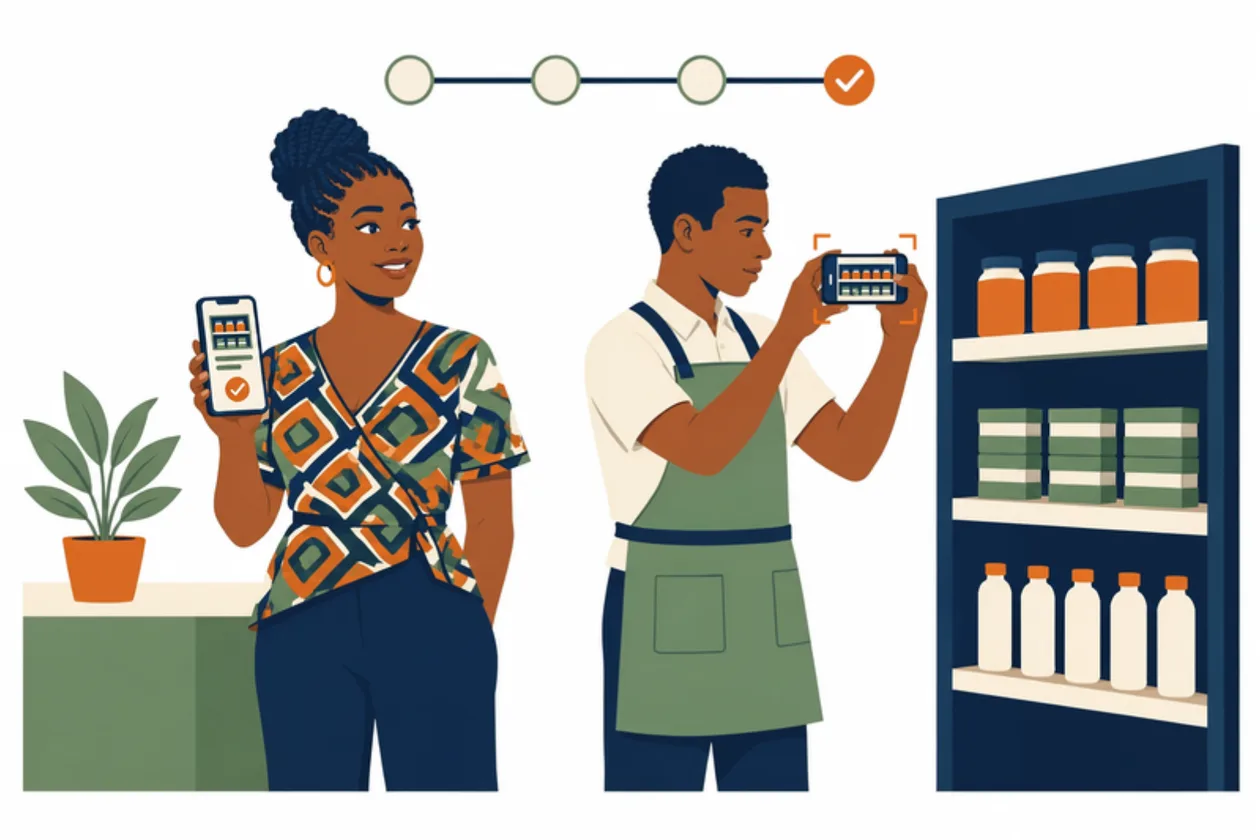
How do you know a job your staff said is "done" was really done?
Most Nigerian business owners know this moment. You ask someone to restock the shelves, clean the cold room, or fix the generator's fuel line. You are told it is done. You find out the next morning that half of it was never touched. Or two people each thought the other one did it.
The usual tools do not help much. A WhatsApp group buries instructions under greetings and voice notes. A notebook stays in one person's bag. A "done" tick in a to-do app is only someone's word.
A task management app is worth using when it asks for proof and lets someone else check it. This guide explains what to look for, and how Tasks works in Anvela, where every job goes from given, to done, to proven, to checked.
Why a "done" tick is not enough
Most task apps treat work as finished the moment the person doing it says so. That is fine for a personal to-do list. It is not fine for a business, because the person who did the work is the one marking it done.
Three things go wrong again and again:
- No proof. "I have done it" is a claim, not a record. Nobody can see the shelf, the meter reading or the clean floor.
- No second pair of eyes. If the same person does the job and signs it off, mistakes and shortcuts pass straight through.
- No history. When something goes wrong a week later, nobody can say who did what, or when.
Staff accountability is not about distrust. Good staff like it too, because their work is seen and their name is on it.
What to look for in a staff task tracking app
Before you put your team on any app, check these points:
- Each task says what, who, when and what proof is needed. A vague task gets vague work.
- The person doing the work adds proof. Photos, readings or notes, attached to the task itself, not lost in a chat.
- Submitting is not finishing. Someone else checks the proof before the job counts as done.
- Work can be sent back with a note. The person sees exactly what to fix.
- Stuck work is visible. If someone is blocked, the task says so, instead of going quiet.
- The history cannot be rubbed out. Mistakes are corrected with a new entry, not hidden.
- It works on the phone, even with poor network. Most work in Nigeria does not happen at a desk.
How Tasks works in Anvela: four steps
In Anvela, a task is a job given to a person. It says what to do, who does it, when, and what proof is needed. Every task goes through four steps.
- Assigned. The Founder or a Supervisor makes the task and gives it to someone.
- In progress. The person starts. If they are stuck, they post a question or a blocker. A blocked task waits until the blocker is cleared, so you can see what is holding it up.
- Evidence. They add photos, readings or notes as proof. Then they submit it for checking.
- Checked. The Founder looks at the proof, then says it is done, or sends it back with a note.
The rule underneath is simple: submitting is not finishing. Work is done only when the Founder has checked it. Nobody signs off their own work.
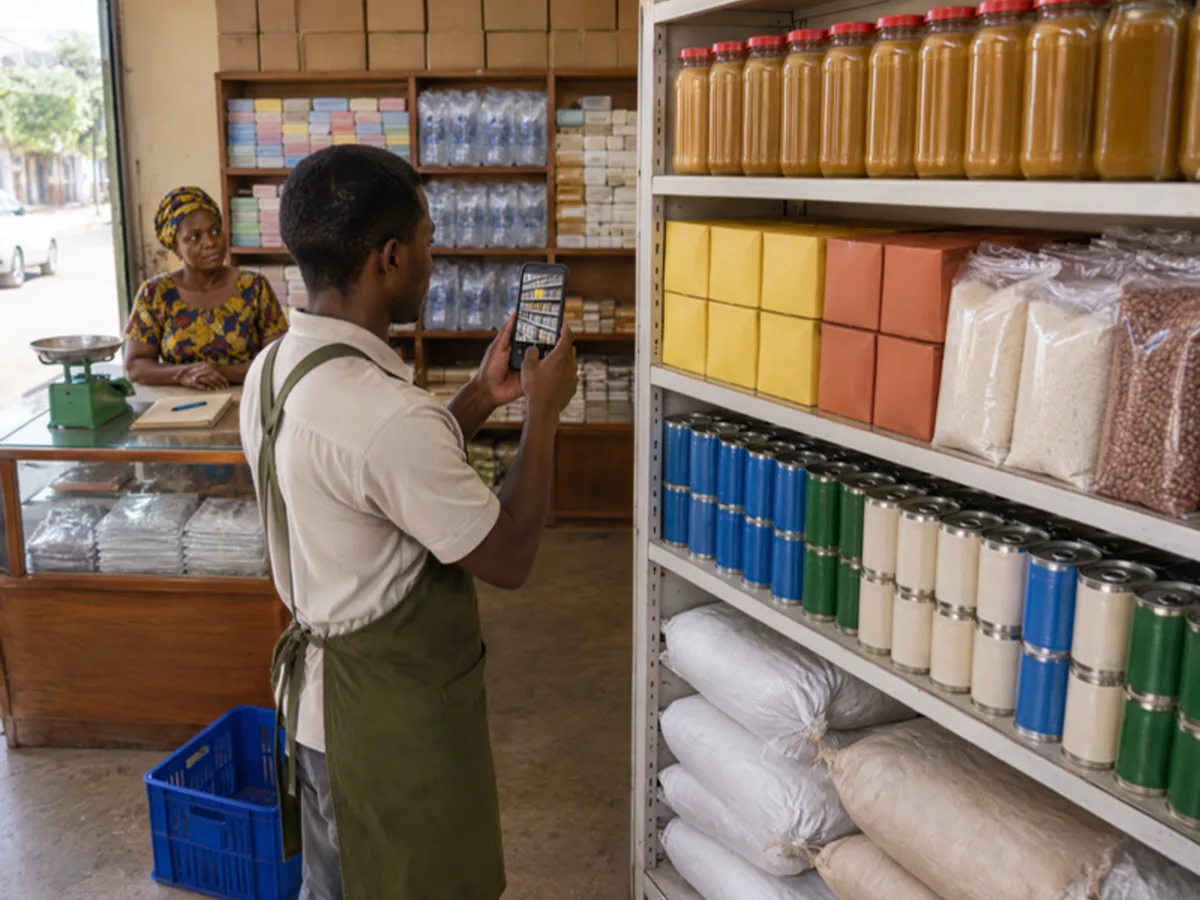
Proof of work: what counts as evidence
Evidence is whatever shows the job was done. For example:
- A shop: a photo of the restocked shelf, or of the clean storeroom before opening.
- A warehouse: a photo of the goods on the right bay, with a note of the count.
- A generator or cold room: the hour meter or temperature reading, and a photo of the meter.
- Field and site work: before and after photos of the equipment. Our guide to the telecom site survey app in Nigeria shows how surveys and photos come back from sites with no network.
Ask for the proof that a stranger could check. "Photo of the shelf from the front, all rows showing" is better than "add a picture".
Who can give work, and who checks it
Anvela has four roles, and each one fits a part of the task flow:
- Founder: the owner. Makes the final check on work, and chooses what each person sees.
- Supervisor: runs the day and gives out work.
- Operator: does the work, and adds the proof.
- Viewer: can look at what they are allowed to see, and cannot change anything.
Because the Founder makes the final check, the person who did the work can never be the one who approves it.
Bringing in someone from outside for one job
Sometimes you need help with one job only: a plumber, a technician, a relative covering for a day. You do not want to give them your whole business. Anvela has a task code for this. A task code opens one single job, and nothing else in the business. On anvela.ng, they choose Join one task and tap Enter task code. The Founder still decides whether they get in.
Activity: the history that only grows
Every change to a task lands in Activity: what happened, and who did it. It only grows. A mistake is fixed with a new entry. Old entries are never changed.
That matters when you look back. If a count was wrong, you can see who counted, when, and who checked it. The same idea runs through the rest of Anvela, from the closing cash count to stock that never adds up: a gap is caught and named the same day, not argued about a month later.
Tasks you can start with this week
You do not need to move your whole business into tasks at once. Start with the jobs that go wrong most:
- Opening and closing checks. Shelves faced, lights off, shutters locked, with a photo.
- Restocking. Which shelf, which items, a photo when it is done.
- Cleaning. Storeroom, kitchen or cold room, with a before and after photo.
- Maintenance. Generator service or AC filter cleaning, with the meter reading.
- Errands. Paying a bill or buying supplies, with a photo of the receipt.
Give each one to a named person, with a time and the proof you want. After a week, look at which tasks came back with clean proof and which were sent back. That tells you more about your team than any meeting.
What it costs
Every area of Anvela is free for every business until 12 January 2027. After that, the Start plan stays free for one store, three people and 300 items. Growth is ₦9,500 a month for up to 10 people, and Business is ₦24,500 a month for up to 20 people. See how tasks fit with sales, stock and money in our guide to business management software in Nigeria.
Frequently asked questions
What is the best task management app for a small business in Nigeria?
Look for one that asks for proof, lets someone other than the worker check the job, and works on the phone with poor network. In Anvela, every task goes from assigned, to in progress, to evidence, to checked. Anvela is built for businesses of every size, from one shop to many branches.
How can I track my staff's work without standing over them?
Give each job as a task with a clear time and the proof you want, such as a photo or a reading. Your staff add the proof from their phones. You check it when it arrives, and send it back with a note if it is not right.
Can my staff mark their own work as done?
No. In Anvela, submitting is not finishing. The Founder looks at the proof and says it is done, or sends it back. Nobody signs off their own work.
What happens when a staff member is stuck on a task?
They post a question or a blocker on the task. The task then waits until the blocker is cleared, so you can see exactly what is holding the work up instead of finding out later.
Can I give one job to someone outside my business?
Yes. A task code opens one single job, and nothing else in the business. The person taps Join one task and enters the code, and the Founder decides whether they get in.
Give your next job with proof, not just a promise. Start free at anvela.ng.
- Task management app
- Staff task tracking
- Proof of work
- Team management
Home · Start free · Anvela Market · About · Privacy