
Telecom Site Survey App in Nigeria: Do the TSS on Site, Even With No Network
Olamide Ademola · · 8 min read
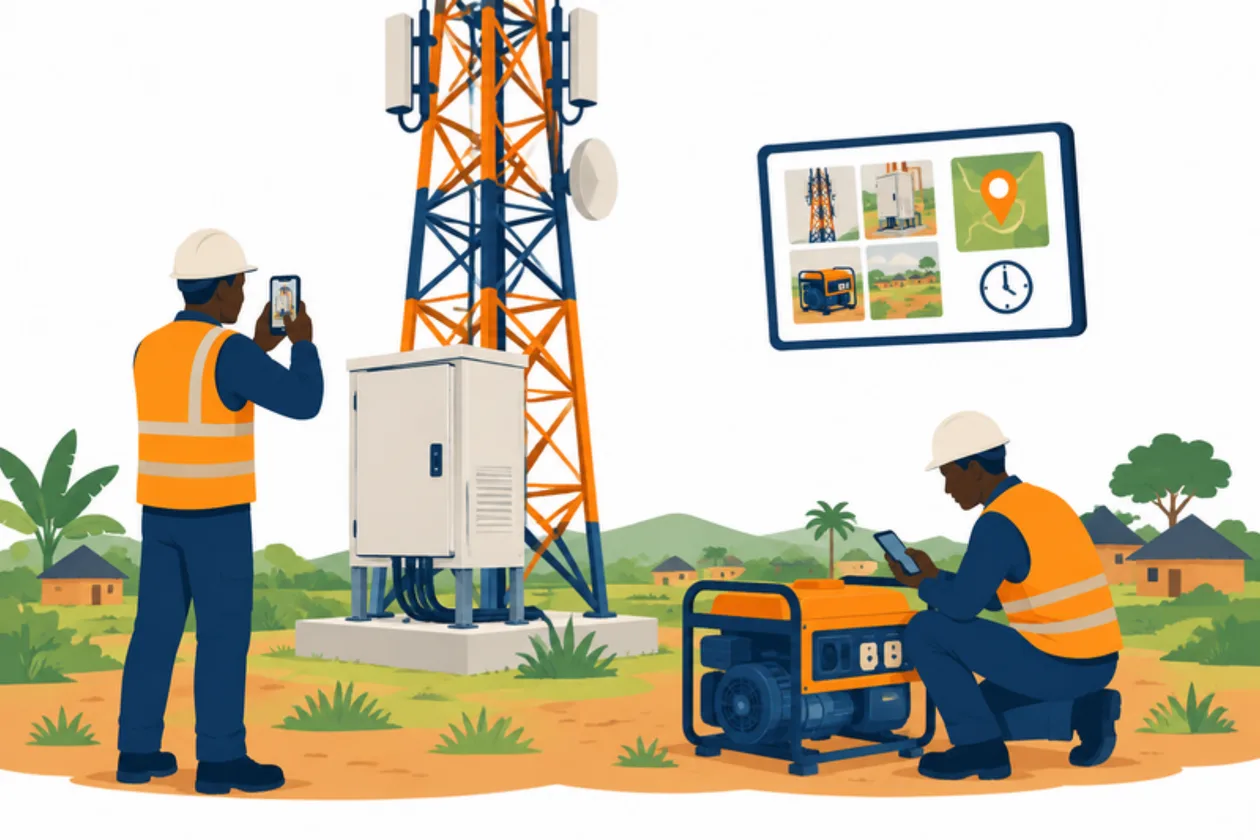
How do you get a clean technical site survey back from a tower site that has no network?
Ask any telecom contractor in Nigeria and you will hear the same story. The engineer drives hours to a site. The survey is on paper or in a spreadsheet on a laptop. The photos sit in the phone's gallery with a hundred others. Back at the office, someone spends a day matching pictures to sectors, typing readings into the client's workbook, and finding out that the "after" photo of Sector 2 was never taken. So the engineer goes back.
A good telecom site survey app closes that loop on site. This guide explains what a technical site survey (TSS) needs, why working without network matters so much right now, and how the survey, the photos and the client's reports work in Anvela.
Why telecom site surveys matter more in 2026
Nigeria is building network sites at a pace it has not seen in years. The Nigerian Communications Commission reported in mid-2026 that mobile operators had planned more than 12,000 new coverage and capacity sites, with over 5,000 already completed. In September, the Federal Government said it would switch on at least 200 new towers by December, as the start of a 3,700-tower rollout to communities with no connectivity.
Every one of those sites needs surveys before work starts, and checks and acceptance after it. Many of them are where coverage is weakest, which is the whole point. So the people doing the surveys often work exactly where their own phones have no signal.
What is a technical site survey (TSS)?
A technical site survey is the record of what is at a site and what the work will need. A typical TSS covers:
- Site details: site ID, name, location and type (indoor or outdoor, rooftop or greenfield).
- The tower and structures: height, type, space on the tower, shelters and cabinets.
- Radio equipment: each RBS, each antenna sector, microwave dishes and their positions.
- Power: grid supply, generator, batteries, solar and their readings.
- Photos: the tower overview, panoramic views, each sector, equipment labels and meters, often as before and after pairs.
- Sign-off: the engineer and, where needed, the person on site.
The client usually wants the result in their own shape: a TSS workbook in Excel and a picture report in PowerPoint.
What a telecom site survey app should do
Before you put your field team on any app, check these points:
- It works on site with no network. Answers and photos must be kept on the phone and sent later, by themselves.
- Each photo carries its time and position. A reviewer should never have to guess where or when a picture was taken.
- Photos have named slots. "Sector 2, after" is a slot, not a picture lost in the gallery.
- It tells the engineer what is missing before they leave. The cheapest revisit is the one you never make.
- It uses your own survey. Your client's TSS has its own sections and repeating blocks. The app should follow them.
- It produces the client's documents from the record. Nobody should retype a survey into Excel.
- Someone checks the work before the client sees it.
How a site survey works in Anvela
Anvela has an area called Network for field and telecom teams. It holds your sites and the equipment at each one, the surveys, the photos and readings captured on site, the review, and the client's acceptance.
Your survey, as a template
You do not have to rebuild your client's TSS by hand. The business's Founder can tap Import survey template and bring in the survey from an Excel, CSV or JSON file. Where the file is unclear, Anvela stops and says what it could not read, instead of guessing.
A survey template can hold text, numbers, choices, multiple choices, yes or no, dates, photos and drawn signatures. A question can allow N/A. Repeating groups cover things like RBS 1 to 4 or each antenna sector. Photo slots can be single or before and after, with a reference picture and a note on the angle to shoot from.
Do the survey on the engineer's phone
Before the trip, the engineer opens their Work list once while they have network. After that, the survey opens on site with none.
- Open the site visit given to you and tap Accept task. This works with no network too.
- When you arrive, open the survey.
- Answer each question. Use Add row for open groups such as extra sectors.
- Take the photo for each slot. With no network, each photo is kept on the phone with its time and position.
- Ask the person on site to sign, if the survey needs it.
- Tap Save draft at any point if you need to stop.
- Tap Submit survey. If anything is still needed, Anvela lists it, for example a missing after photo, while you are still on site.
With no network, the phone shows Saved on this phone. The answers and photos are sent by themselves, in order, when the network comes back. The reviewer is told which photos were taken with no network.
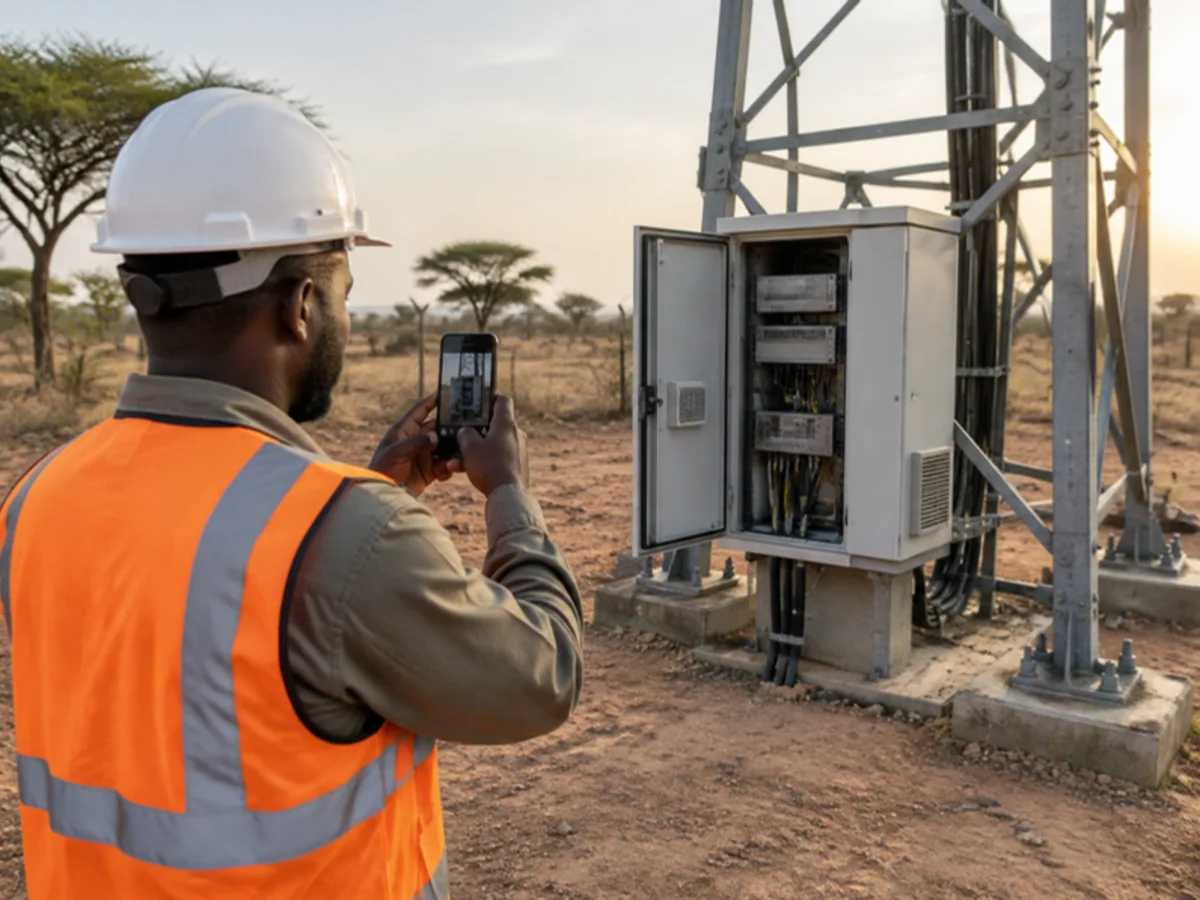
Photos that are small to send but still readable
Phone cameras take photos of several megabytes each. On mobile data, that is slow and costly. Anvela makes each field photo smaller before it is sent, to about 400 KB, while keeping labels, serial plates and meters readable.
When a photo reaches Anvela, Ellis, Anvela's assistant, checks it. If it needs a retake, you see why and how to fix it. You can take the photo again, or keep it as it is.
From the survey to the client's TSS workbook and picture report
Back at the office, a coordinator opens Network → Review. They can verify the visit, or return it for correction with the exact slots that need a retake. The engineer sees what to redo and why.
When the visit is verified, Anvela prepares two files in Acceptance:
- Technical survey sheet (TSS, Excel): a numbered survey sheet, section by section, and a sheet of site photos by slot.
- Picture report (PowerPoint): cover pages, then the site's photos by subject, with before and after side by side.
Both are made from the survey record itself, so the reports always match what the engineer captured. Tap Download to send them to your client. You can also upload a PowerPoint in your company's style, and every picture report then uses its colours, fonts and logo.
The client's acceptance, with checklists and their yes or no, also lives in Acceptance. We will cover it in its own guide.
What does a telecom site survey app cost in Nigeria?
Every area of Anvela is free for every business until 12 January 2027. Network works a little differently, because field work grows with the size of your team. Without a Network & Enterprise agreement, a team can try Network free for 90 days from its first site visit, with up to 25 engineers and 150 site visits a month. Photo checks and the TSS and picture reports are included.
After the trial, new site visits need a Network & Enterprise agreement, priced per engineer and active site. Your sites, visits and reports stay, and downloading them is free. You can ask about an agreement from Plan & billing.
If you also sell, keep stock or manage staff, the same account covers it. Our guide to business management software in Nigeria shows how the areas fit together. And if your team has struggled with network on the shop floor too, read how an offline POS app in Nigeria keeps sales going when data drops.
Frequently asked questions
Can a telecom site survey app work without network?
Yes. In Anvela, the engineer opens their site visits once with network. After that, the survey opens on site with none, and the answers and photos are kept on the phone and sent by themselves when the network returns.
How do I make sure no photo is missing before leaving the site?
Set up named photo slots in your survey template, including before and after pairs. When the engineer taps Submit survey, Anvela lists anything still missing, such as an after photo for one sector, while they are still on site.
Can Anvela produce the TSS workbook my client asks for?
When a coordinator verifies a visit, Anvela prepares a TSS workbook in Excel and a picture report in PowerPoint from the survey record. You download both from Acceptance and send them to your client.
Do photos taken offline keep their time and location?
Yes. A photo taken with no network is kept on the phone with its time and position. When it is sent, the reviewer is told it was taken with no network.
Is there a free telecom site survey app in Nigeria?
Anvela's Network trial is free for 90 days from your first site visit, for up to 25 engineers and 150 site visits a month, with the TSS and picture reports included. After that, new site visits need a Network & Enterprise agreement.
Start today
Open a free account at https://anvela.ng, import your survey template, and send your first engineer to site with a survey that works where the network does not.
- Telecom site survey app
- Technical site survey (TSS)
- Field work
- Network
Home · Start free · Anvela Market · About · Privacy