
Restaurant Order System in Nigeria: Take Table Orders, Send Kitchen Tickets and Close Each Bill Right
Olamide Ademola · · 8 min read
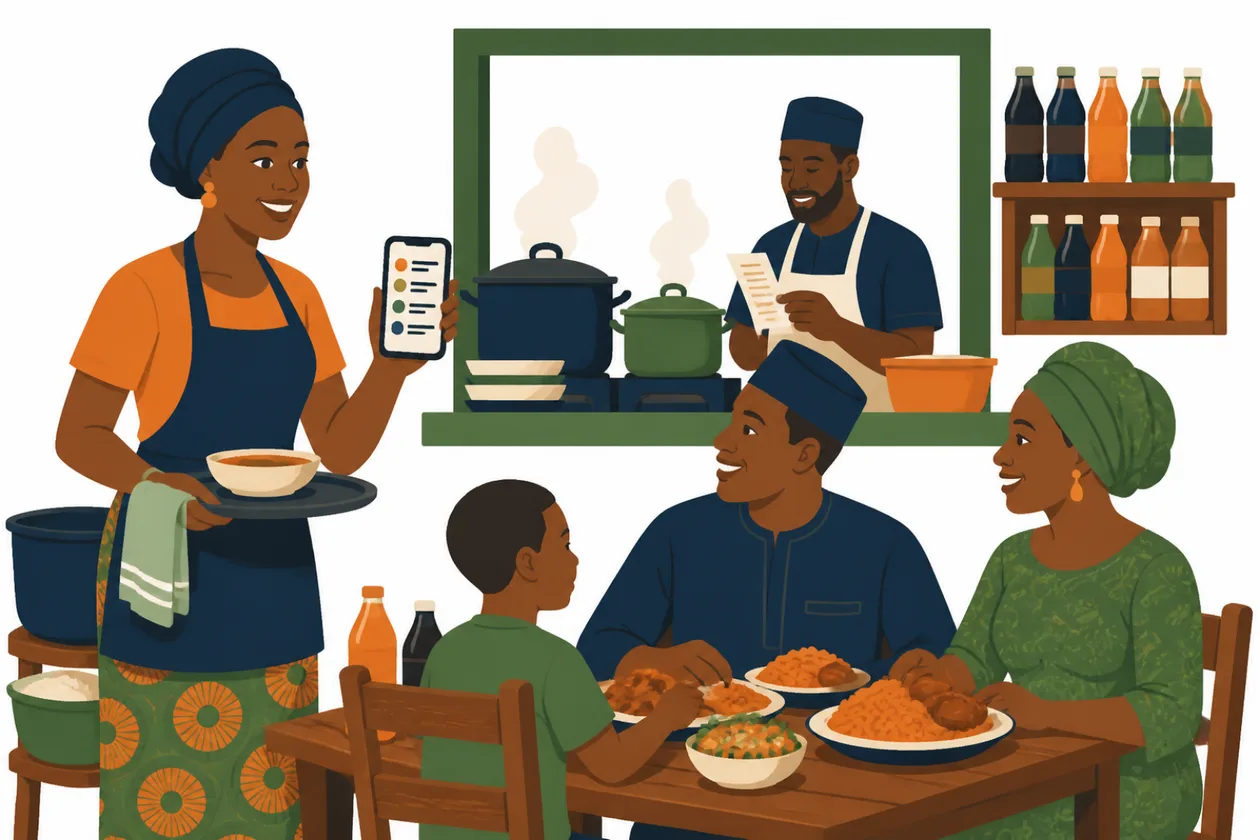
Did Table 4 order two plates of jollof or three? And did anybody pay for the extra Chapman?
If you run a restaurant, buka or bar in Nigeria, you know how a busy lunch goes. Orders are shouted to the kitchen or written on scraps of paper. A drink added halfway through the meal is forgotten. At closing, the money in the box does not match what the kitchen cooked, and nobody can say which table was short.
A restaurant order system fixes this by keeping each table's order in one place, from the moment people sit down to the moment they pay. This guide explains what a good restaurant order system in Nigeria should do, and how to run one with Anvela on a phone or a computer.
What is a restaurant order system?
A restaurant order system records what each table or customer orders, sends the new items to the kitchen, and turns the whole order into one bill at the end.
It is different from a shop counter, where a customer picks items, pays and leaves. In a restaurant, people order food, then drinks, then another round. The system has to hold the order open through the meal and only close it when the customer pays.
That is why many restaurant owners search for a restaurant POS system and find that a plain shop POS does not fit. If you also sell over a counter, our guide to the POS system for shops in Nigeria covers that side.
Why restaurant orders go missing
Most money lost in a restaurant is not lost to big theft. It goes in small gaps:
- An item added late is never written down, so it is never charged.
- The kitchen cooks from memory and makes the wrong dish, which then goes to waste.
- Two waiters serve the same table and each thinks the other wrote the drinks.
- The final bill is added up by hand, and the sum is wrong.
- A dish is "taken off" the bill with no record of who did it or why.
A restaurant order system closes these gaps because every item is recorded once, by name, against a table, before the kitchen starts cooking.
What a good restaurant order system in Nigeria should do
Before you choose any restaurant management software, check that it can do these things:
- Open an order for a table or a customer. "Table 4", "Mr Ade" or "Takeaway 12" should all work.
- Add items through the meal, with notes such as "no pepper" or "extra meat".
- Send only the new items to the kitchen on a ticket, so the cook does not make the same plate twice.
- Show what has gone to the kitchen and what has not.
- Close the order into one paid sale, so it lands in your daily sales and your cash count.
- Keep your drinks stock right, because bottles on the shelf are stock you paid for.
- Control who can remove items, so a waiter cannot quietly delete a dish that was already cooked.
- Work on a phone, because waiters move between tables.
How open orders work in Anvela
In Anvela, a restaurant, buka or bar uses Open orders. An open order belongs to a table or a customer. Waiters add to it through the meal, new items go to the kitchen on a ticket, and when the customer pays, the order becomes one paid sale.
Take a table order, step by step
On a computer, open Sell, then Open orders. On the phone, tap Sell, then Open orders (tables).
- Tap Open an order.
- Type the Table or customer. For example: Table 4, or Mr Ade.
- Tap Add for each thing they order.
- If the customer wants a change, type it in Note or add-on, such as "no pepper" or "less ice".
- Tap Send new items to the kitchen. The kitchen gets a ticket with only the new things.
- Keep adding through the meal. Each time, send the new items to the kitchen the same way.
- When they finish, tap Close and take payment. The order becomes one paid sale.
Each item on the order shows Sent to the kitchen or Not sent yet, so a waiter can see at a glance what the cook already has.
How the kitchen ticket reaches the cook
The kitchen ticket shows the table, the time, and each new item with its quantity and note. For example:
KITCHEN — Table 4 — 13:05
2 × Jollof rice and chicken
1 × Pounded yam and egusi  (no pepper)
On a computer, the ticket opens ready to print, so a small receipt printer near the kitchen pass works well. On the phone, the ticket opens your phone's share options, so you can send it to the kitchen's WhatsApp or any other chat the cook reads.
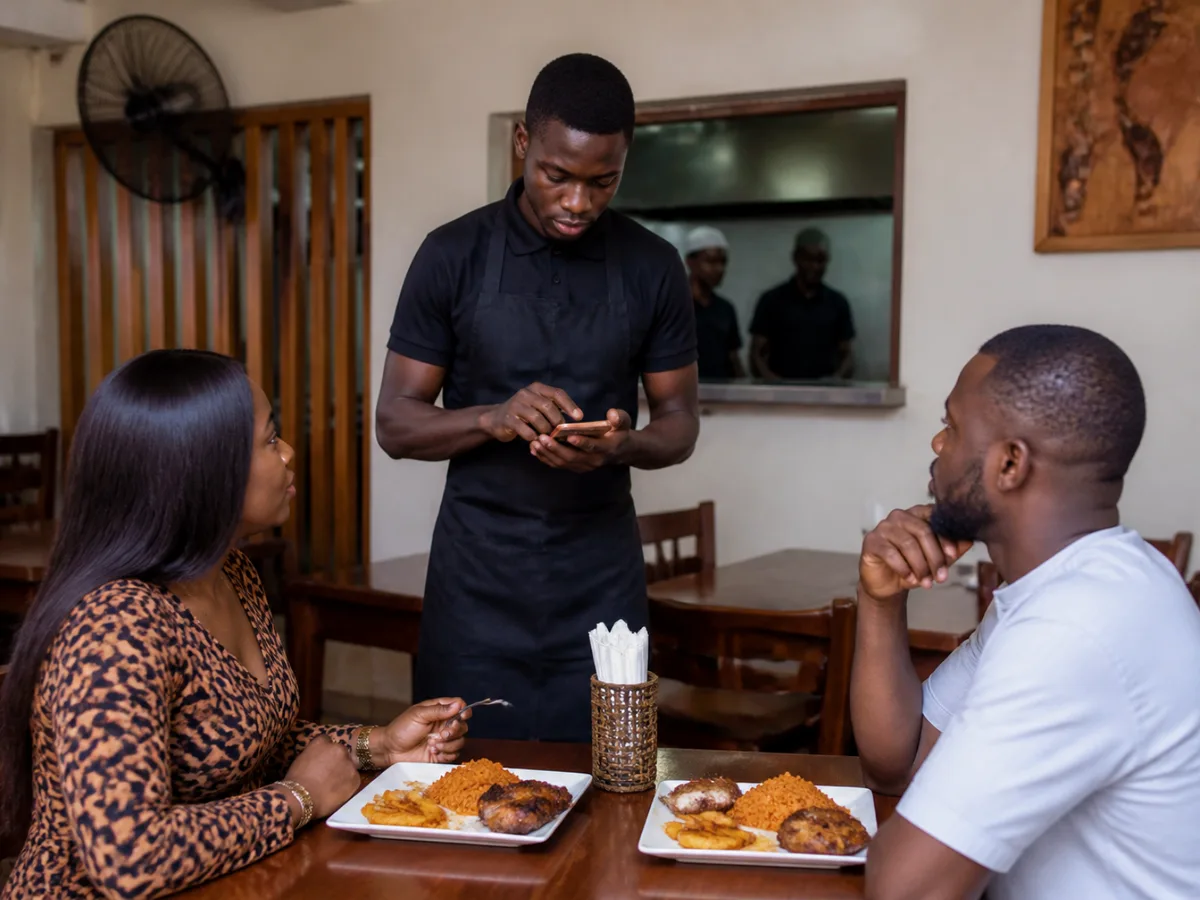
Takeaway and tabs at the bar
Open orders are not only for tables. Name an order "Takeaway 12" for a customer waiting at the counter, or use a customer's name for a tab at the bar. The order stays open until you close it.
Keep your drinks and food stock right
Restaurants sell two kinds of things, and Anvela treats them differently:
- Dishes cooked to order, such as jollof rice, pepper soup or suya. Add these as a service in Stock, so selling them does not take an item off a shelf count.
- Drinks and anything you keep on the shelf, such as soft drinks, water and beer. Add these as goods. When the order closes, Anvela takes them out of stock and records them as served at the table.
If your bottles on the shelf and your records do not agree, read why your shop stock never adds up. The same habits work in a bar store room.
Stop items disappearing from the bill
Anvela has three roles: the Founder, Supervisors and Operators. In open orders:
- Operators, such as waiters, can open orders, add items and send them to the kitchen.
- An item that has not gone to the kitchen yet can be taken off with Take off.
- Once an item has gone to the kitchen, only the Founder or a Supervisor can take it off.
- Only the Founder or a Supervisor can Cancel order, and they must give a reason.
So a plate that was cooked cannot vanish from the bill without a manager knowing.
Close the day with the right cash
Every closed order is a normal paid sale. It shows in today's sales on the Sell overview, next to your counter sales. At the end of the day, the cash count works out what should be in the cash box and asks for a reason when the count does not match. Our guide to the closing cash count shows how to catch a gap the same evening.
Get orders from outside the restaurant too
Your restaurant can also have its own shop with its own link, so customers who are not at your tables can still buy from you. Shoppers order for pickup or delivery and pay through Paystack, and the money goes straight to your bank account. You can choose to show your shop on Anvela Market too, so new customers in your state can find it. Read more in where to sell your products online in Nigeria.
What it costs
Every area of Anvela is free for every business until 12 January 2027. After that, the Start plan stays free for one store, three people and up to 300 items, and it includes selling and open orders. Growth is ₦9,500 a month and Business is ₦24,500 a month, for more stores, more people and more areas. Larger networks start from ₦75,000 a month on a yearly contract.
For the full picture of running sales, stock and money in one app, see our guide to business management software in Nigeria.
Frequently asked questions
What is the best restaurant order system in Nigeria?
The best one lets you open an order per table, add to it through the meal, send new items to the kitchen and close it into one paid sale. It should also keep drinks stock right and stop items being removed without a manager. Use the checklist above to compare any app.
Can I use a restaurant order system on my phone?
Yes. In the Anvela phone app, tap Sell, then Open orders (tables). Waiters can open orders, add items with notes and send kitchen tickets from the phone.
How does the kitchen get the order?
When a waiter taps Send new items to the kitchen, Anvela makes a kitchen ticket with only the new items. On a computer it opens ready to print. On a phone you can share it to the kitchen's WhatsApp or another chat.
Does it work for a buka or a bar, not only a restaurant?
Yes. Open orders were made for restaurants, bukas and bars. You can name an order by table, by customer for a bar tab, or as a takeaway number.
Is there a free restaurant POS system in Nigeria?
Anvela is free for every business until 12 January 2027. After that, the Start plan stays free for one store, three people and up to 300 items, with selling and open orders included.
Start today
Open a free account at https://anvela.ng, add your menu, and take your next table's order in Open orders.
- Restaurant order system
- Restaurants
- Kitchen tickets
- Sales
- Running a business
Home · Start free · Anvela Market · About · Privacy