
POS System for Shops in Nigeria: Scan, Sell and Send Receipts on WhatsApp
Olamide Ademola · · 6 min read
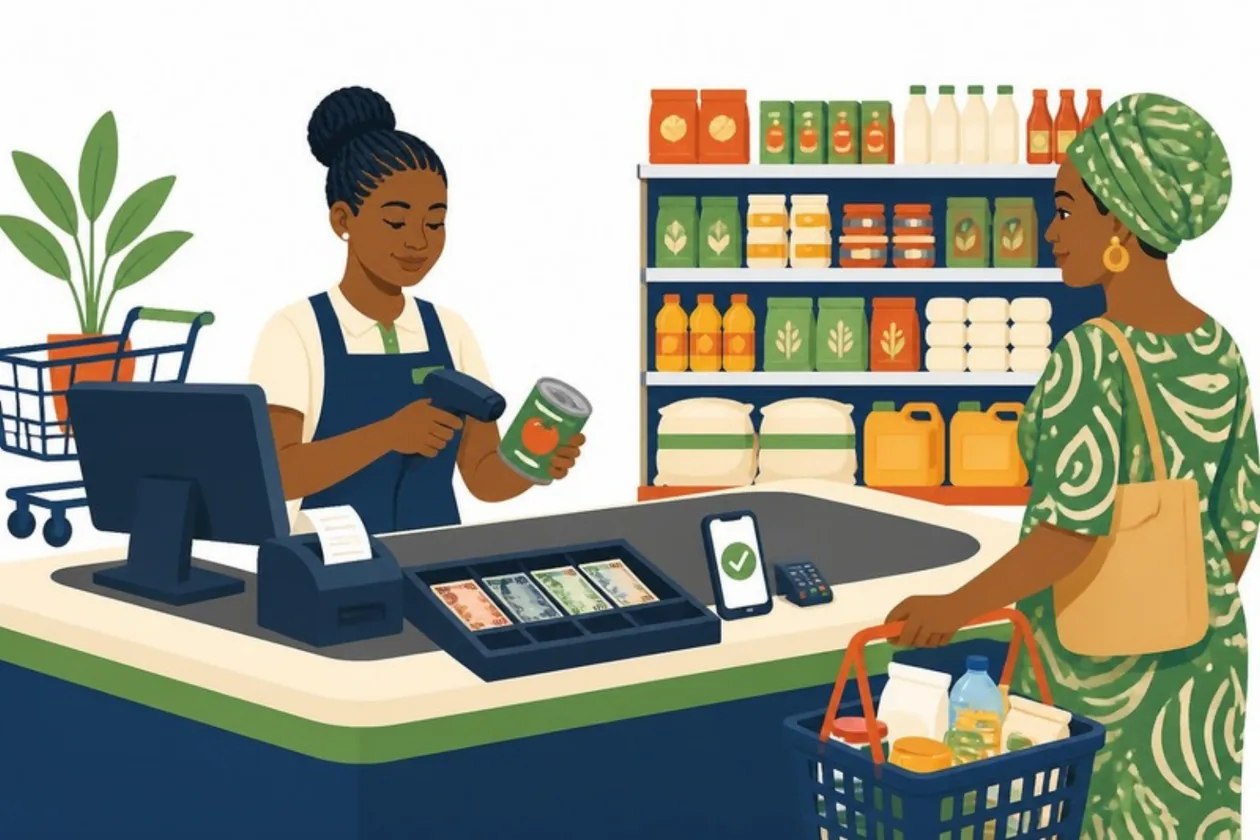
What happens at your counter when ten customers are waiting?
In many Nigerian shops, the cashier adds up prices on a calculator, writes the sale in a book, counts change, and hopes nothing was missed. At closing, the cash does not match the book and nobody knows why. A good POS system for shops in Nigeria fixes this. Each sale is scanned once and the stock goes down by itself. The receipt is printed or sent to WhatsApp, and the day's cash can be checked the same evening.
This guide explains what a POS system is, what equipment you need, and how to sell quickly with Anvela's Till. It also covers what a POS system should do when the network drops.
What is a POS system?
POS means point of sale: the place where a customer pays. In Nigeria, "POS" often means the card machine from your bank. A POS system is more than the card machine. It is the software that records what was sold, how it was paid, what is left in stock, and what should be in the cash drawer at the end of the day.
The card machine takes the money. The POS system keeps the record.
What equipment does a shop POS system need?
You can start with what you have and add equipment as the shop gets busier.
A phone. Enough for a small shop. In the Anvela phone app, tap Scan items and point the camera at each barcode in turn. The camera keeps scanning, so you can scan one item after another. A Bluetooth barcode scanner also works with the phone.
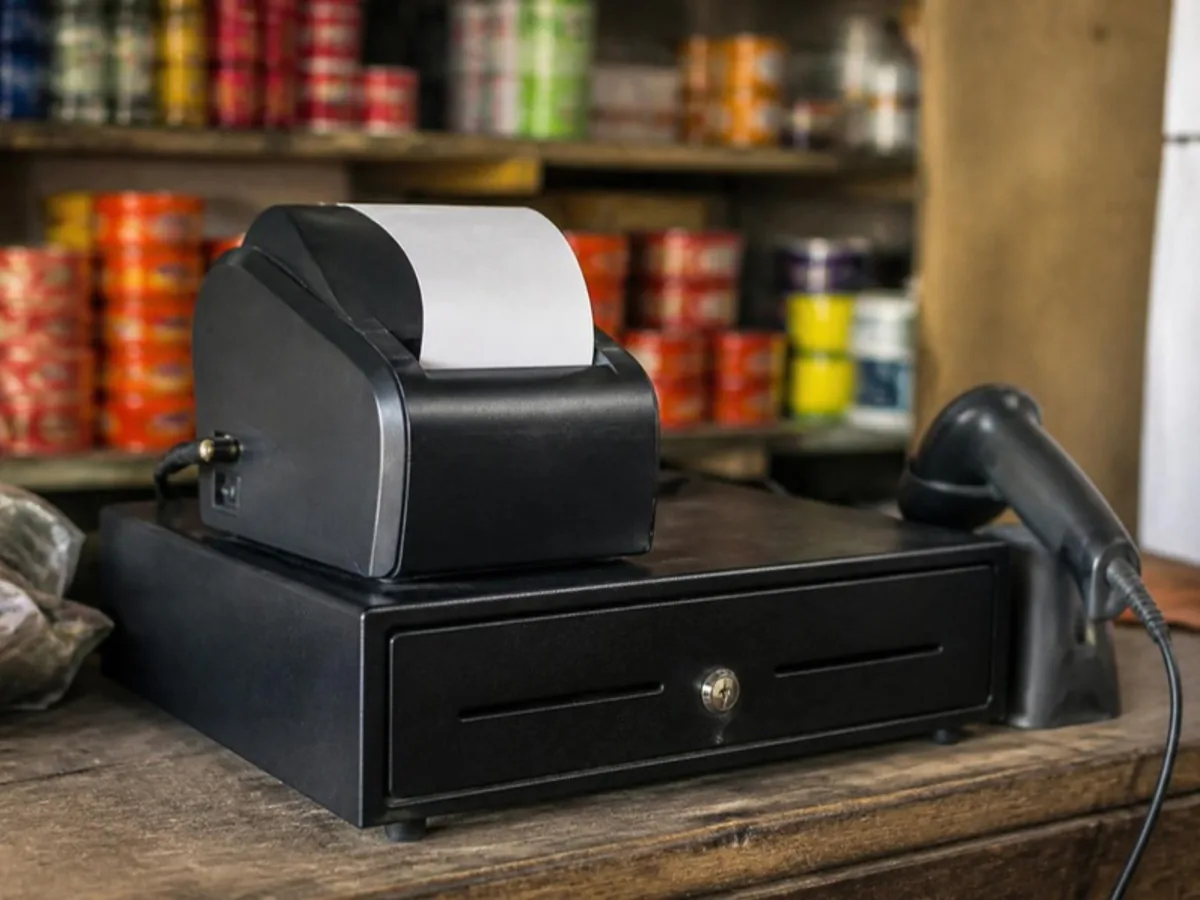
A computer and a barcode scanner. For a busy counter or a supermarket. A USB barcode scanner that types like a keyboard works with Anvela's Till on the web. Scan, and the item goes on the sale.
A receipt printer. A thermal receipt printer your computer can print to. The Till prints on 80mm or 58mm paper.
A cash drawer. Plug it into the receipt printer and turn on "open drawer when printing" in the printer's own settings. It then opens with every receipt.
How to sell on the Till, step by step
The Till is Anvela's fast checkout for a busy counter. Everything works from the keyboard.
- Open Sell → Sales and tap Open the till.
- Choose the store this till sells from, and the cashier if you have staff set up.
- Scan the first item. Scan the same item again to add one more.
- When everything is scanned, press Enter to take payment.
- Press 1 for Cash, 2 for Transfer, 3 for Card (POS) or 4 for Part cash.
- For cash, type the cash received. Anvela shows the change to give.
- Press Enter to record the sale.
- Press Ctrl P (⌘ P on a Mac) to print the receipt. Or turn on Print a receipt after every sale in Till settings.
A few tricks make the counter even faster:
- Many of one item: type
3*and then scan. Three are added. - No barcode? Type part of the item's name, press ↓ to choose it, then Enter.
- A carton barcode can sell the whole carton at the carton price.
- An unknown code is never guessed. Anvela tells you, and you add the code to the item in Stock. Each item can have up to 20 barcodes.
If you are still writing sales in a book, read our guide on moving from pen and paper to barcode scanning first.
Cash, transfer, card or part cash
Nigerian customers pay in many ways, often in the same day. A POS system should record how each sale was paid, because only cash should be in the drawer.
| How the customer paid | What it means |
|---|---|
| Cash | All of it was paid in cash. It counts in the cash drawer. |
| Transfer | Paid by bank transfer. Not in the drawer. |
| Card (POS) | Paid with a card on a POS machine. Not in the drawer. |
| Part cash | Some cash, the rest by transfer or card. You type the cash part. |
Receipts: printed, or on the customer's WhatsApp
Many customers would rather have a receipt on their phone than a slip of paper. With Anvela you can:
- print the receipt on the receipt printer;
- send it as a PDF on WhatsApp, or as a text message on WhatsApp;
- sign it as manager, by drawing or typing your name, when a customer needs a signed receipt;
- use your own receipt design. Upload a photo of your paper receipt and Ellis copies the layout, and you can add your logo.
A tax (VAT) line prints only if your business types its own rate in settings. Leave it empty if your business does not charge VAT.
What happens when the network drops?
A POS system that stops when data goes down is a POS system that loses sales. On Anvela's Till, a sale made with no network is kept in the browser. It is sent by itself when the network is back, and the stock is checked then. The phone app works the same way. You can always see whether a sale is saved, waiting or sent, and nothing is settled in secret.
Close the day with a cash count
At closing, open Sell → Cash count, count the cash in the drawer, and type it in. Anvela works out what should be there from the cash sales, cash refunds and cash money out since the last count. If the cash is short or over, you choose the reason, such as "A sale was paid by transfer or card" or "Money was spent from the box". The owner can accept or decline a write-off. Our guide on the closing time cash count explains the full routine.
What the Till does not do
The Till is for paid sales at the counter. For a sale on account, an item held for an online shopper, or goods still on their way from a supplier, use + New paid Sale in Sell instead. Both take from the same stock.
A POS system is one part of the business
Your counter sales should share stock with your online store, your bookings and your books. Read business management software in Nigeria to see how the counter fits with everything else.
Frequently asked questions
What is the best POS system for a small shop in Nigeria?
The best POS system for a shop is one that scans barcodes, records cash, transfer and card payments separately, sends receipts on WhatsApp, keeps working offline, and takes each sale out of stock at once. Anvela does all of this, and every area is free until 12 January 2027.
Can I use my phone as a POS system?
Yes. The Anvela phone app scans barcodes with the camera, records how the customer paid, and sends the receipt to WhatsApp. A Bluetooth barcode scanner also works with the phone.
Do I need a barcode scanner for a POS system?
No. You can scan with your phone's camera or type the item's name. A barcode scanner makes a busy counter faster, and Anvela's Till is built for one.
Can a POS system print receipts in Nigeria?
Yes. Anvela's Till prints on 80mm or 58mm thermal receipt paper, and it can print a receipt after every sale. A cash drawer plugged into the printer opens with each receipt.
Does the POS system work without internet?
Yes. Anvela records paid sales with no network on the phone and on the web, and sends them when the network is back.
Start selling faster
Open a free account at https://anvela.ng, add your items with their barcodes, and open the Till for your next customer.
- POS system
- Selling
- Barcode scanning
- Receipts
Home · Start free · Anvela Market · About · Privacy