
Field Service Management Software in Nigeria: Send Engineers, Know They Arrived
Olamide Ademola · · 8 min read
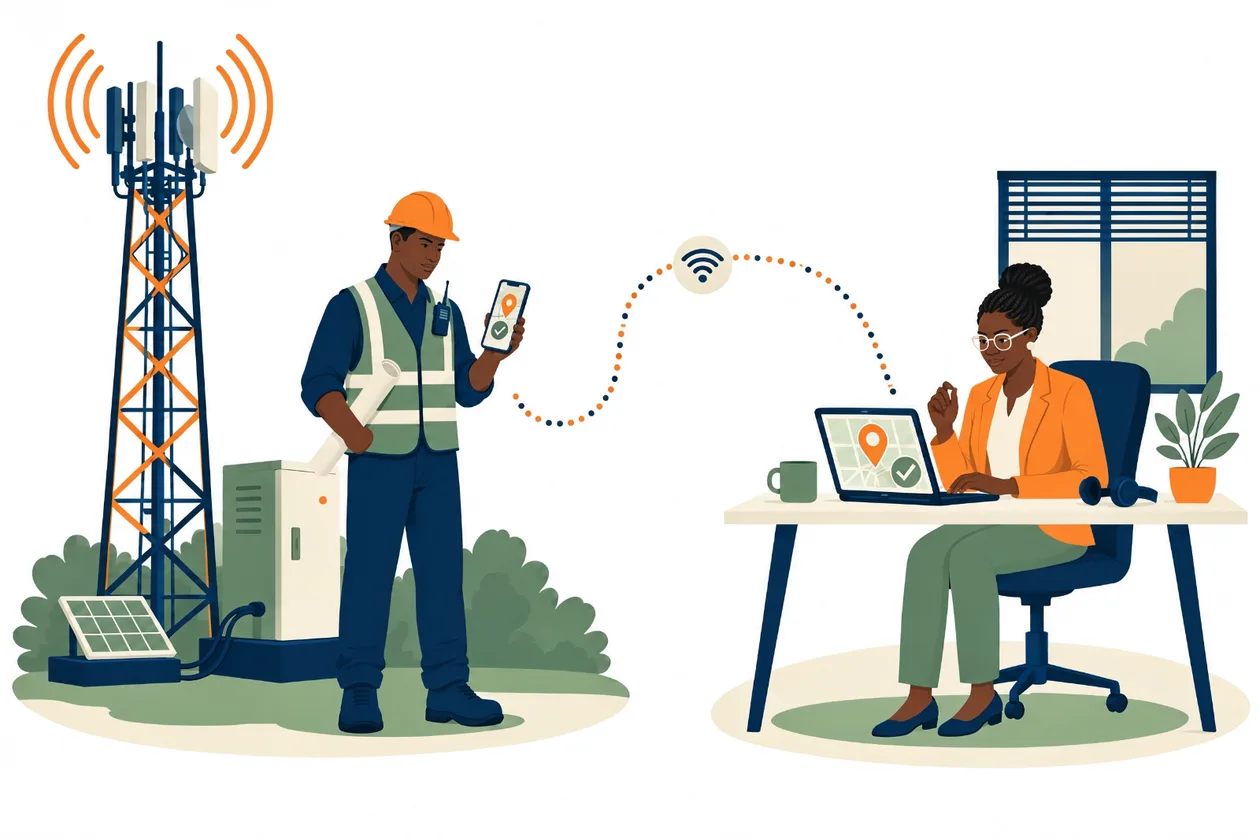
How do you know your engineer really went to the site today?
If you run a team that works away from the office, you know the routine. Visits are shared on WhatsApp. An engineer replies "on site" from a bus park. Another says he could not accept the job because there was no network. A week later, the client asks for proof of the visit, and all you have is a chat and a few photos with no time on them.
Field service management software is meant to fix this. It sends the right person to the right site, shows you when they got there, and brings their work back in one place. In Nigeria, it must also keep working where the network does not.
This guide explains what to look for, and how dispatch, acceptance and arrival work in Anvela's Network area.
What is field service management software?
Field service management software (often called FSM) is an app for businesses whose work happens at the customer's site, not at a desk or a counter. It usually covers four things:
- Dispatch. Choosing which engineer goes to which site, and by when.
- Acceptance. The engineer saying yes to the job, or saying they cannot take it.
- Arrival and the work on site. Proof that the engineer reached the site, then the survey, photos, readings and signatures.
- Review. Someone in the office checks the work before it goes to the client.
Telecom contractors are the clearest example in Nigeria, but the same shape fits any team that sends people to fixed sites with equipment: solar and inverter installations, generators, CCTV, boreholes, cold rooms and lifts.
Why field work in Nigeria needs its own kind of app
Sites sit on hills, in estates with weak signal, and in villages where the only network is one bar at the junction. An app that needs data to open a job, accept it or save a photo will fail exactly where the work happens.
Three questions keep coming up from field teams:
- "Can my engineer accept a job with no network?" If not, the job sits unaccepted.
- "How do I know he was really on site?" A photo alone does not prove where or when it was taken.
- "What happens when GPS is bad?" An app that blocks the engineer leaves him stranded on site.
A good field engineer tracking app answers all three without making honest engineers feel watched.
What to look for in field service management software
Before you put your engineers on any app, check these points:
- Jobs open on the phone with no network, once they have been loaded while there was signal.
- Accepting a job works offline and is sent later, in the right order.
- Arrival records where the engineer is, compares it with the site, and keeps the phone's own time.
- Bad GPS never stops the work. The visit starts anyway, and the office is told to look.
- Reassigning is easy before the engineer accepts, and a proper handover after.
- Work is checked before the client sees it. Submitting is not the same as finished.
How dispatch works in Anvela
In Anvela, field work lives in the Network area. A Founder or Supervisor sends visits from Network → Dispatch.
- Add your sites under Sites & equipment. You can type them in or import them. Add their coordinates if you have them.
- Open Dispatch and tick the sites you want visited. Each site shows a Suggested engineer where one fits.
- Choose the Engineer, the Due date, the kind of visit and the survey to be done. Add a Scope note if the engineer needs to know what the visit covers.
- Tap Dispatch visits. The button counts them for you, for example Dispatch 3 visits.
Each visit reaches the engineer as a task in Work on their phone. Under Show visits, you see every visit you have sent, soonest due first. Open one to Reassign visit or Cancel visit. If you cancel, the engineer stops seeing it in Work, but the visit and its history stay on record.
If an engineer has not joined your team yet, you can still dispatch. The visit waits as unassigned until you invite them.
Accepting a visit with no network
On the phone, the engineer opens the visit in Work and taps Accept task. If he cannot take it, he taps I can't take this and then Record the decline, so the office knows at once instead of finding out at the end of the day.
Here is the part that matters most: accepting works with no network. The acceptance is kept on the phone and sent with the rest of his work when the signal comes back. The app moves him straight on to the next step.
Once an engineer has accepted, changing the engineer becomes a handover in Work.
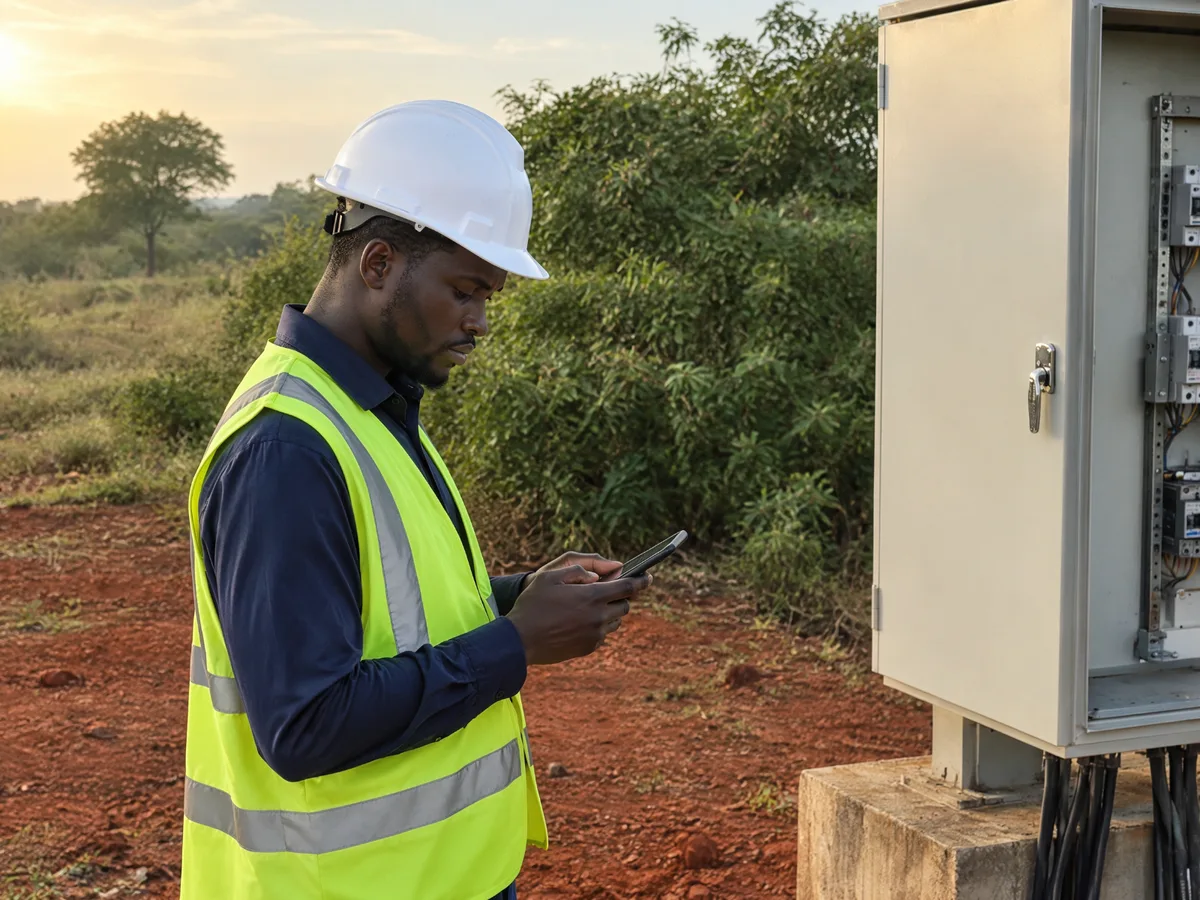
Arrival on site: proof without blocking the work
When the engineer reaches the site and taps to start, Anvela first shows Arrival on site. The phone reads his position and shows the Distance to the site, the GPS accuracy and the Arrival radius. The radius is 300 metres by default. If the reading looks wrong, he taps Read my position again. Then he taps Record arrival and start.
Three things can happen:
- He is within the radius. The visit starts, and the arrival is on record.
- He is outside the radius. The visit still starts. Every Founder and Supervisor in the business is told.
- The site has no coordinates. The arrival is recorded and flagged, and the visit still starts.
Bad GPS never strands an engineer on site. Instead, a person looks at it. From the task, the Founder or a Supervisor can tap Accept arrival, or Ask the engineer a question. The engineer answers, and the whole thread stays with the visit.
With no network, the arrival is saved on the phone with the phone's own time, and it is sent when he reconnects. The distance is worked out by Anvela when it arrives, from the position the phone recorded. So an arrival recorded at 10:05 on a hilltop with no signal still says 10:05, even if it reaches the office at 2pm.
After arrival: the survey, the photos and the review
Once the visit has started, the engineer does the survey on his phone: answers, photos, readings and signatures. That also works with no network. Our guide to the telecom site survey app in Nigeria explains it step by step, including the TSS workbook and picture report.
When he taps Submit for review, the work goes to Review in the office. Someone checks it before it goes to the client. This is the same rule that runs through every task in Anvela: nobody signs off their own work. Read more in our guide to the task management app in Nigeria.
What does field service management software cost in Nigeria?
Every area of Anvela is free for every business until 12 January 2027. Network works a little differently, because field work grows with the size of your team. Without a Network & Enterprise agreement, a team can try Network free for 90 days from its first site visit, with up to 25 engineers and 150 site visits a month.
After the trial, new site visits need a Network & Enterprise agreement. That starts from ₦75,000 a month on a yearly contract, and Network is added at ₦3,000 an engineer and ₦100 an active site a month. Prices do not include VAT. Your sites, visits and reports stay, and downloading them is free. You can ask about an agreement from Plan & billing.
If your business also sells or keeps stock, the same account covers it. See how the areas fit together in our guide to business management software in Nigeria.
Frequently asked questions
What is the best field service management software for a Nigerian business?
Look for one that opens jobs, accepts them and records arrival with no network, then sends everything later in order. It should show you who arrived where, and have someone check the work before the client sees it. Anvela's Network area does this, for businesses of every size.
Can an engineer accept a site visit without network?
Yes. In Anvela, the engineer taps Accept task and the acceptance is kept on the phone. It is sent with the rest of his work when the network comes back, and he can move on at once.
How can I confirm my engineers really visited the site?
When the engineer starts the visit, Anvela records where he is and compares it with the site, using a 300 metre radius by default. If he is outside it, or the site has no coordinates, the visit still starts and every Founder and Supervisor is told. You can then accept the arrival or ask the engineer about it.
What happens if the engineer's GPS is wrong?
The work is never blocked. The engineer can read his position again, and if it is still off, the visit starts and the office is flagged. A person decides, not the phone.
Is field service management software only for telecom companies?
No. Anvela's Network area was built first for telecom teams, but any team that sends engineers to fixed sites with equipment can use it, from solar installers to generator and CCTV maintenance crews.
Send your next site visit with proof of arrival built in. Start free at anvela.ng.
- Field service management
- Dispatch engineers
- Field engineer tracking
- Site visits
Home · Start free · Anvela Market · About · Privacy